Quiet TV · a $47 guided setup
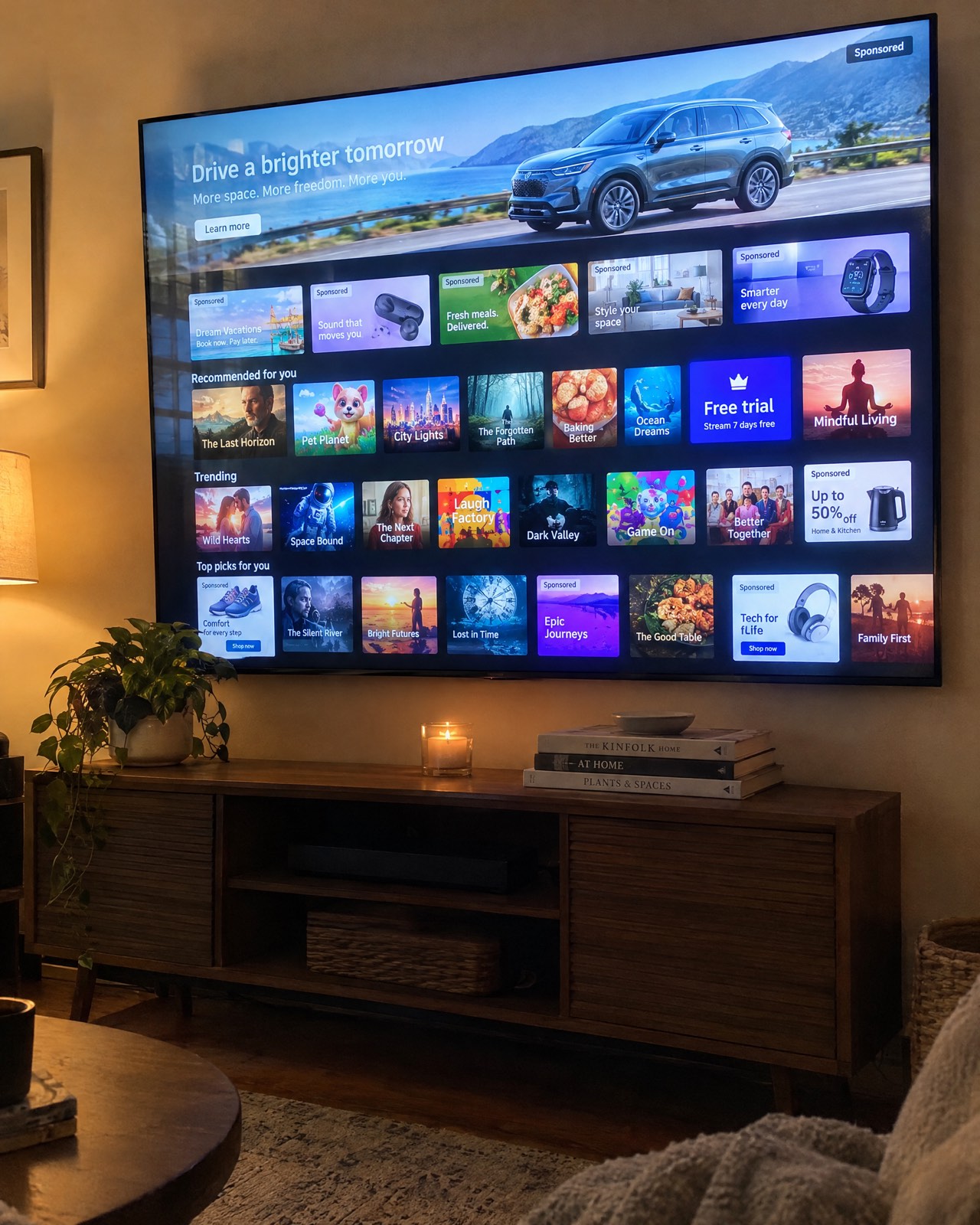
Your TV is full of ads you never asked for. Let's switch them off.
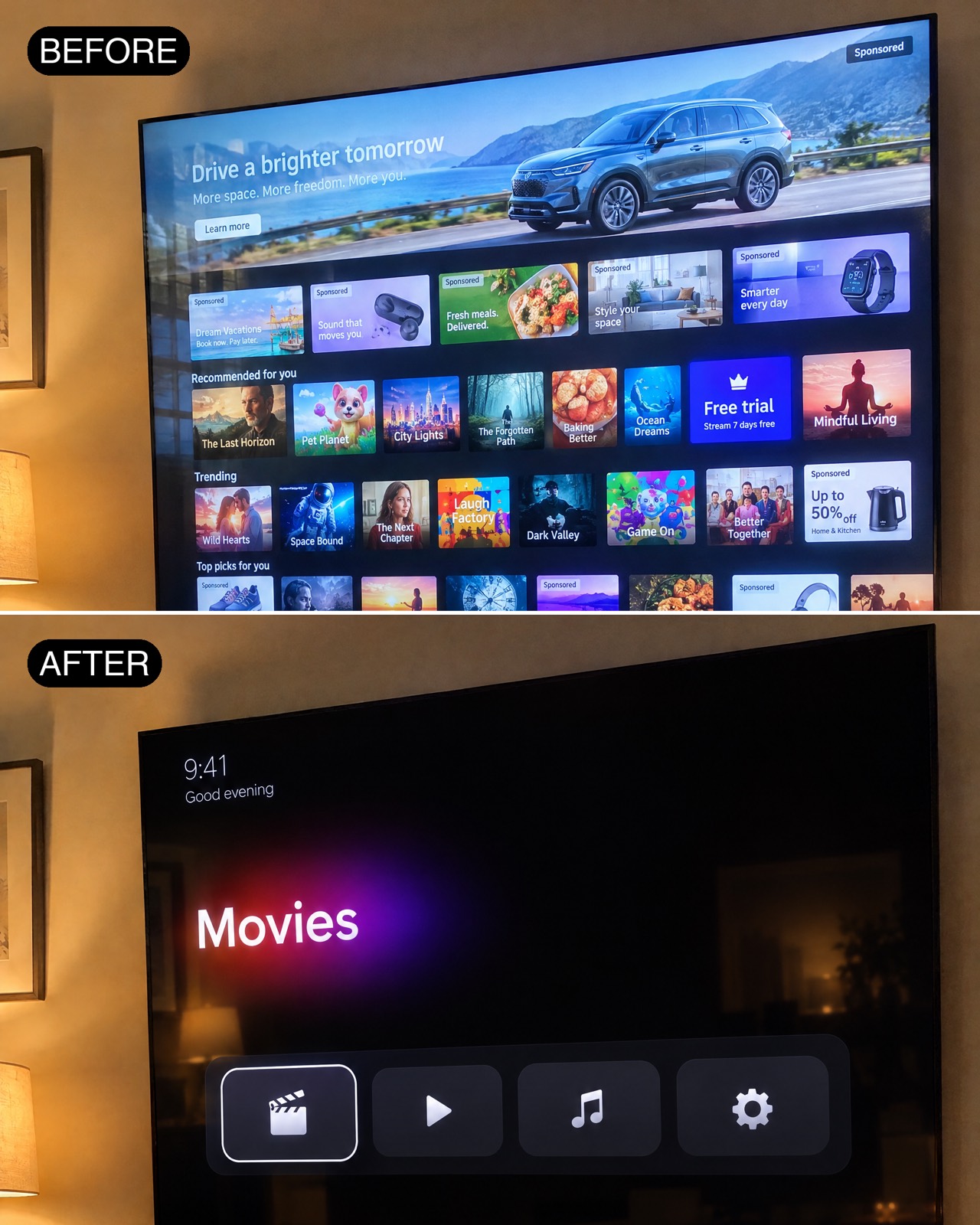
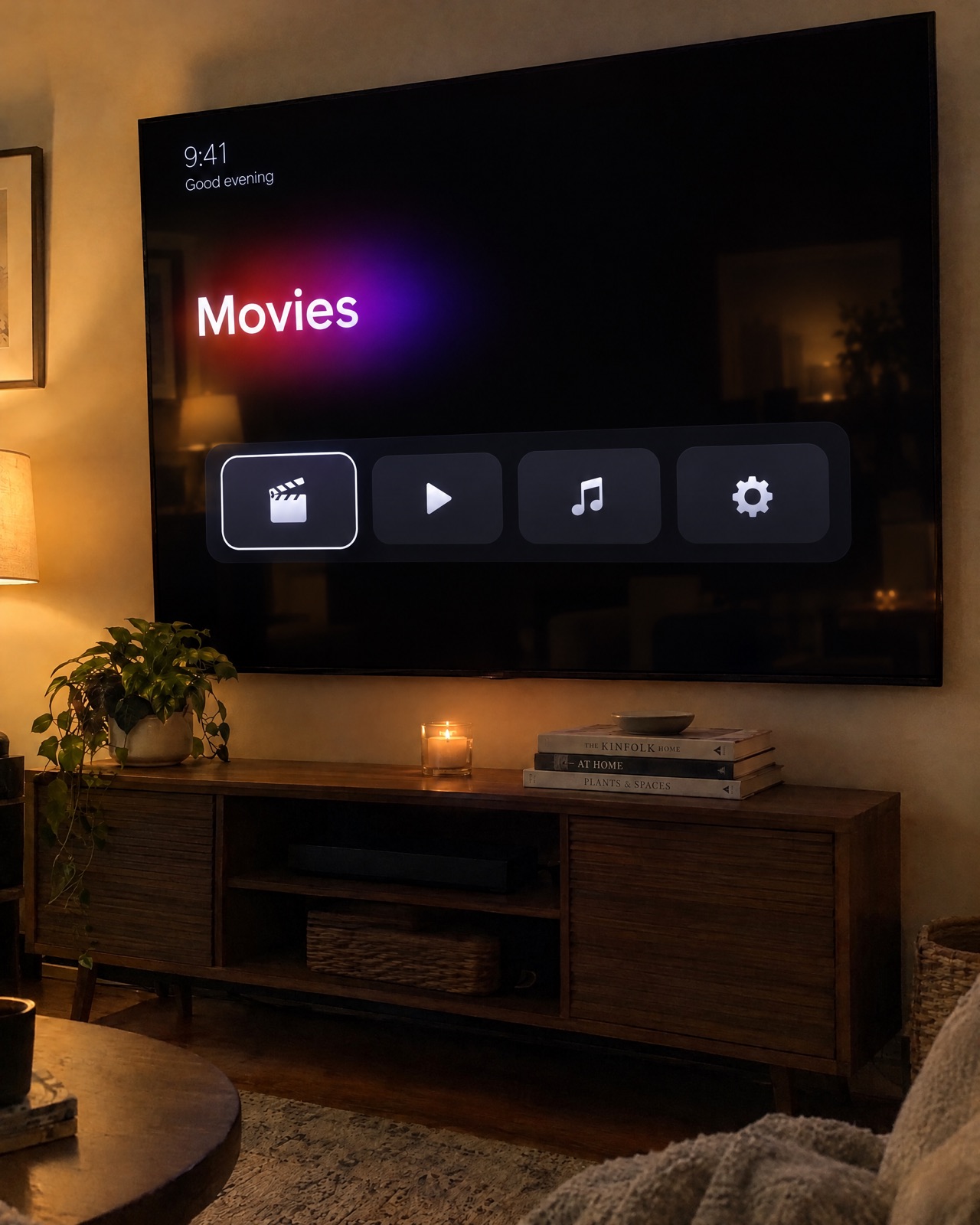
Sponsored rows, “recommended for you” clutter and quiet tracking, gone from your Android TV or Google TV in about 15 minutes. Claude does the typing, you press OK on the remote. Nothing deleted, one-line undo.
Before anything else
Does your TV work?
Quiet TV works on Android TV and Google TV, partly on Fire TV, and not on Samsung, LG, Roku, Vizio or Hisense VIDAA. Check yours first: if it can't do this, I won't sell it to you.
Step 1
Which TV (or TV box) do you have?
What you need
Three things. You probably have two.
A computer on the same Wi-Fi
A Mac or a Windows computer, on the same Wi-Fi as your TV.
Claude Code
With a paid Claude plan (from Anthropic, about $20 a month, not included). Another coding assistant that can run commands works too.
About 15 minutes
Give it up to half an hour the first time, in one sitting, with the TV on.
How it works
Three steps. Zero coding.
- 1Flip one hidden switchOn the TV, press OK seven times on the build number to open developer options, then switch on debugging. The guide shows every screen.
- 2Tell Claude your TVOpen Claude Code and say: set up Quiet TV on my TV. It checks your TV, backs everything up and shows you the undo first.
- 3Say yes, group by groupClaude switches off the ads, sponsored rows, tracking and junk apps a few at a time, only with your OK. Nothing is deleted.
Changed your mind later? Claude shows you the one-line undo before it changes anything, and saves it in a file for you.
 AI image
What you get
My guided setup, start to finish.
- ✓Cristina's Quiet TV skill for Claude CodeDrop it in, ask Claude, and it walks you through the whole setup in plain words, with a stop and a question before every change.
- ✓The step-by-step guideEvery screen on the TV, what to tap, and how to undo it, for Google TV, Android TV and Fire TV.
- ✓A short video walkthroughWatch Cristina do it on her own TV first, so you know exactly what you'll see.
- ✓Email supportStuck? Email support@cristinalab.com with your TV model and a screenshot, and we'll help you finish.
$47 one time, no subscription
Honest note: the cleanup tool itself is free and open source. You're paying for my guided setup, so you never have to figure out GitHub or a terminal on your own.
Questions
Before you buy
Is it safe?+
Nothing is rooted, flashed or deleted. Apps are only switched off, with Android's own switch (the same one as Settings → Apps → Disable), a few at a time and only after you say yes. The skill makes a full backup first and never touches what the TV needs to work: your HDMI inputs, the remote, the keyboard, the Play Store.
Can I undo it?+
Yes. Before the first change, Claude shows you the one-line undo for your TV and saves it in a file. Run it any time and everything comes back the way it was. Even without a computer, the TV's own Settings → Apps page can switch any app back on.
What about my TV's warranty?+
You do this on a TV you own, at your own risk. Nothing is rooted or flashed and every step can be undone, but changing a TV's software may affect the maker's warranty or support. If that worries you, check with your TV maker first.
Does it remove the ads inside YouTube and Netflix?+
No. It removes the TV maker's ads, sponsored rows, tracking and junk apps, and can give you a clean home screen. Ads that play inside streaming apps come from those apps and stay.
The tool is free. Why pay $47?+
You don't have to, and I'll always say so: the cleanup is the free, open-source CleanYourTV project, and anyone comfortable on GitHub and in a terminal can follow it on their own. The $47 is for my guided setup: a Claude Code skill that walks a total beginner through it with a backup and a stop before every change, a step-by-step guide, a video walkthrough and email support if you get stuck.
My TV is a Samsung, LG, Roku or Vizio.+
Then please don't buy this: those systems don't have the developer switch it needs. You can still turn off most of their tracking with your remote, for free, with the CleanYourTV project's guide. Open the free guide ↗
Do I need to know how to code?+
No. Claude does the typing. You press buttons on the remote, answer a short checklist (which apps you use) and say yes or no to each group of apps.
Can I get a refund?+
All sales are final once access is delivered, except as set out in the Refund Policy. That's why the TV check comes before the button: if your TV can't do this, the page won't let you buy it. Refund Policy
Built on the free open-source CleanYourTV project, MIT licence. Quiet TV uses the CleanYourTV project by Gathin and contributors, free for everyone under the MIT licence; the licence and credit ship with the skill. Your $47 pays for Cristina's guided setup (the Claude Code skill, the guide, the video walkthrough and email support), not for the tool.
Quiet TV is independent and not affiliated with or endorsed by the CleanYourTV project, Google, Amazon, Anthropic or any TV maker; brand names only say which TVs work. Claude is a product of Anthropic; a paid Claude plan is required and not included. You run it on a TV you own, at your own risk; changing a TV's software may affect its warranty. Ads inside streaming apps aren't affected. Support: support@cristinalab.com.